
Sold out is now
a waiting list
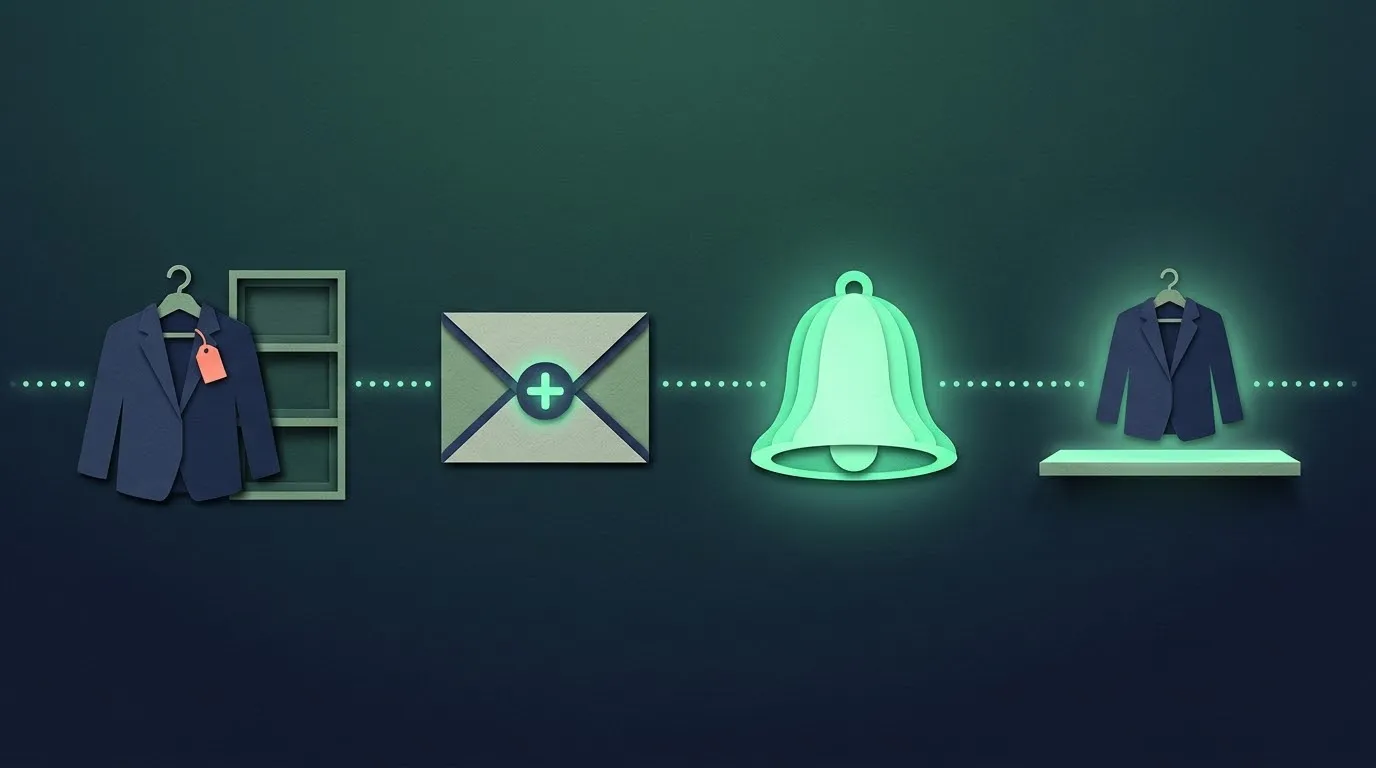
Back in Stock Alerts collects emails on sold‑out variants. When you restock, the right shoppers get one email, in waves sized to your stock.
 Sold out
Field jacket
Olive / M · €129
Restock email · sent
Field jacket is back
Olive / M · 4 in stock
Shows only on the sold‑out variant
An app block in your theme. No code edits, nothing left behind on uninstall.
4 → 12
units back → emails in the first wave
Waves sized to your stock
Four jackets back means 12 emails, not 300. The next wave goes if they sell.
Sent from your own domain
A guided DNS setup on Growth and Scale, so restock emails come from your store.

Small apps, one developer
SkuApps is the home of a family of Shopify add-ons made by one developer in Portugal. Each app does one job well, with honest pricing and no theme damage. Read more about the company.
The first app is new, so it has no reviews yet. Next in the family: an estimated delivery date and minimum and maximum order quantities.
Back in Stock Alerts
See what the app does, the plans and the questions merchants ask on the Back in Stock Alerts page. Setup is covered in the help center.
Questions? Use the contact page.
Guides
All guidesLong reads on what to do when products sell out: preorders, back in stock emails and continue selling.
- Back in stock email examples: templates and subject lines Plain, copy-ready back in stock emails for five situations, with 18 subject lines and the reasoning behind each. Also covers what most guides skip: few units for many subscribers, consent and deliverability.
- Continue selling when out of stock in Shopify Shows where the setting lives, what happens to stock, orders and the storefront when it is on, and how to change it for many products. Covers locations, risks, troubleshooting and how to choose between backorder, preorder and a waiting list.
- Add a "Notify me when available" button in Shopify Compares the four ways to collect back-in-stock requests on a Shopify store, starting with the no-app route, with the limits of each. Includes the variant trap, a consent checklist and a five-minute test.
- Out-of-stock products in Shopify: hide, sort, badge or keep selling A reference for the whole sold-out state in Shopify: what happens by default, every option to hide, sort or label sold-out products, and the SEO cost of each. Includes a decision table for temporary versus discontinued products.
Get set up
Back in Stock Alerts is added to your theme as an app block. These pages cover each part, from the first install to the day something looks wrong.
- Setup, placement and styling Install the app, add the notify block in the theme editor, match it to your theme and test it on a sold-out variant.
- Restock emails What shoppers receive, how to change the subject and message, waves sized to your stock and one-click unsubscribe.
- Send from your own domain The guided DNS setup on Growth and Scale, with every record explained.
- Plans, data and uninstall Limits and the 14-day trial, CSV export, and what is deleted when you uninstall.
- Troubleshooting The button not showing, emails in spam, variants and missed restocks.
- Contact and support Write to support and get a reply within one business day.
Start with the Back in Stock Alerts page or browse the whole help center.